Trimble Stratus
With Trimble Stratus Software, use drones to map, measure and share accurate information about worksites and assets to make quicker decisions, avoid mistakes and grow profits.
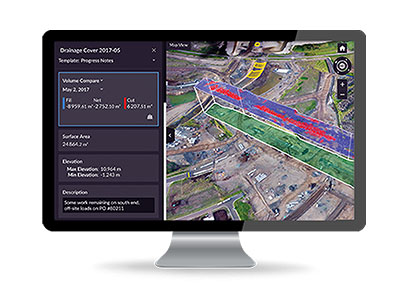
Measure and Manage Your Site Yourself
Get more done with a clear view of where you are and where you’re headed.
Features and Benefits
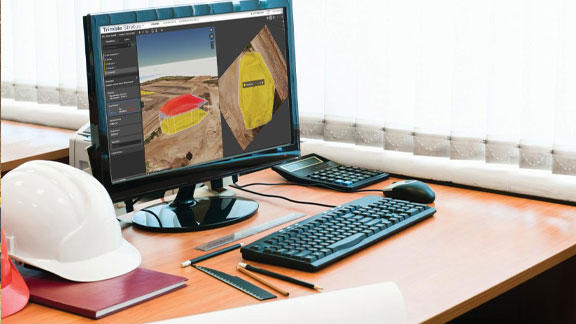
Confidently Plan and Estimate
- Know what you’re quoting—conduct your own site surveys before the job begins, and whenever changes occur
- Get frequent, detailed images of site boundaries and protected areas to easily demonstrate your conformance with regulatory requirements
- Tighter plans and budgets as a result of more frequent and accurate volume data
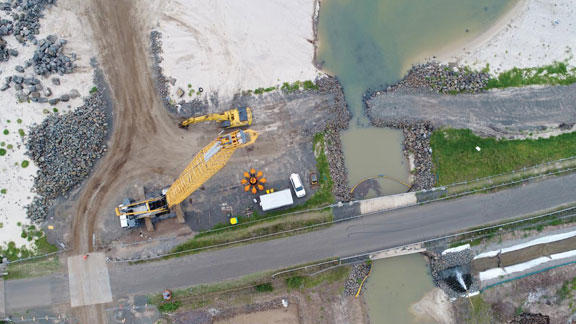
Survey Frequently and Faster
- Get accurate, up-to-date topographic surveys whenever you need without having to bring in a survey crew
- Avoid information bottlenecks by getting answers to questions yourself with an intuitive, web-based tool
- Survey inaccessible or hazardous areas safely using a drone
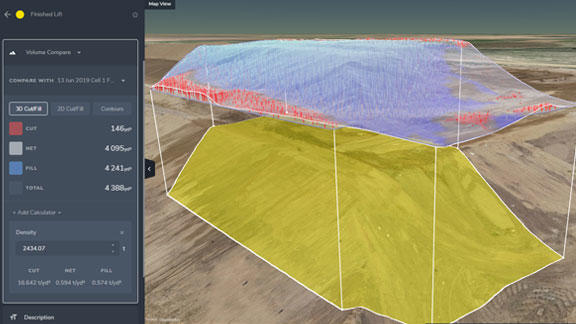
Site Volumes
- Calculate overall material volumes added or removed from pits, stockpiles, cells and drainage channels
- Measure stockpile volumes more frequently and safely to enable better stockpile management

Communicate Effectively
- A visual timeline keeps everyone on the same page
- Track site changes, avoid crossed wires and resolve disputes quickly
- Fewer site visits needed when people can track progress and inspect work remotely, manage more sites more easily
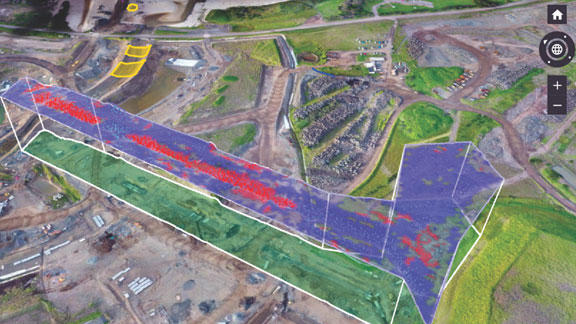
Design Checks
- Upload design file to compare actual surface to design surface and track progress
- Easily measure distances, slopes and heights to compare with site measurements
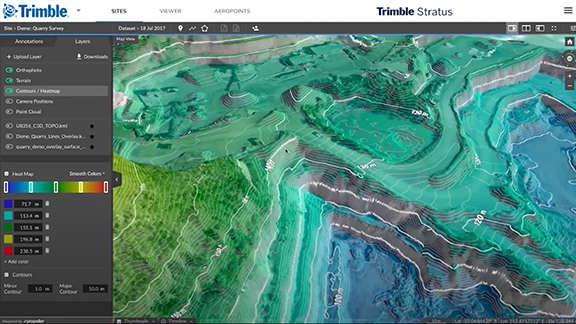
Aggregates Operations
- Know the exact volume of material moving in and out of stockpiles and pits to improve inventory management
- Tailor production to customer demand with more frequent and accurate stockpile and pit volume data
- Optimize traffic management by ensuring that road grades, widths and cross slopes meet design specifications
Applications
| Industry | Applications |
|---|---|
| Civil Construction |
|
| Quarry |
|
| Mining |
|
| Waste |
|
How It Works
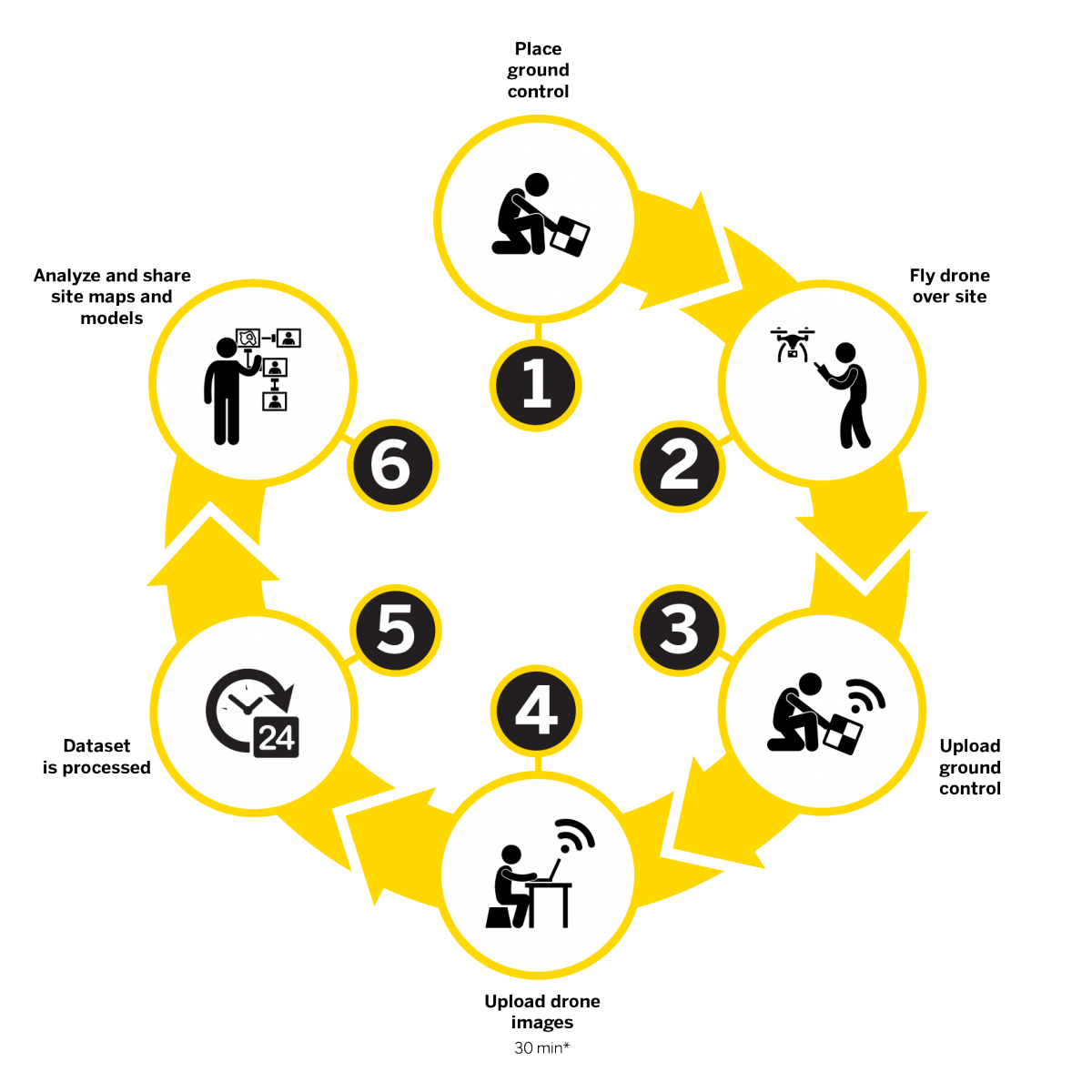
- Place ground control
- Fly drone over site
- Upload ground control
- Upload drone images
- Dataset is processed
- Analyze and share site maps and models
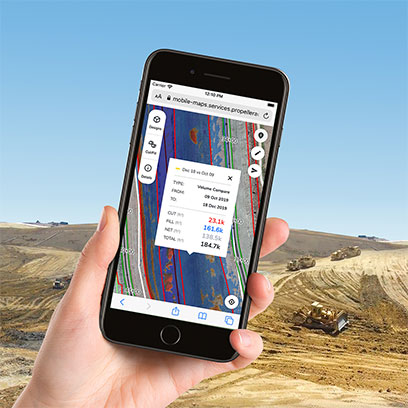
Contractors can use the Trimble Stratus mobile map add-on to generate and share simple, interactive maps from the office to the field.
Field teams can use the maps to work collaboratively, understand designs, and check earthworks progress. A realistic, aerial view helps them stay informed and orient themselves on the ground.
Each map has a unique URL that opens on any browser, any device—without the need to install apps or remember login details.
- Understand the design relative to location and the current state of the project
- Share earthworks progress quantities and perform cut/fill elevation checks
- Show utility layouts to improve awareness and reduce risks associated with underground services